Learning Mobile App
QuranMe
Quranic vocabulary learning app — learn the Quran one word at a time through staged lessons, audio recitation and daily streaks.
Client — QuranMe
Project Overview
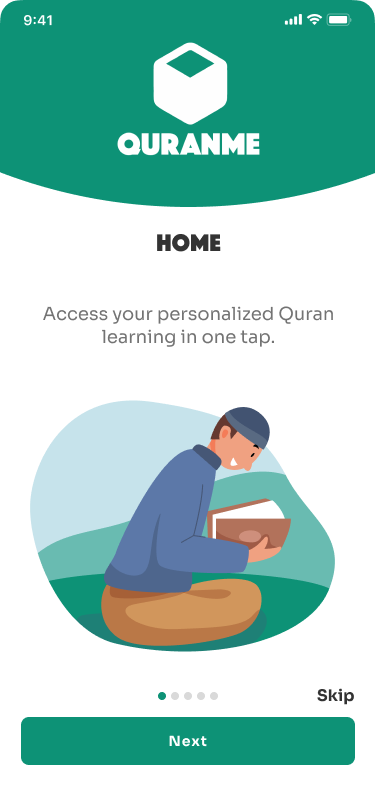
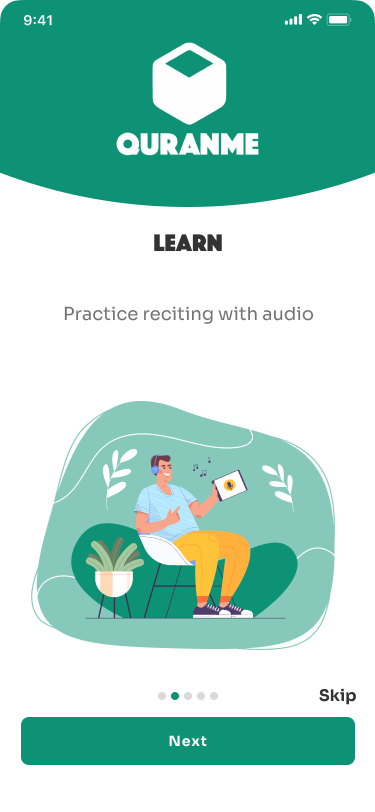
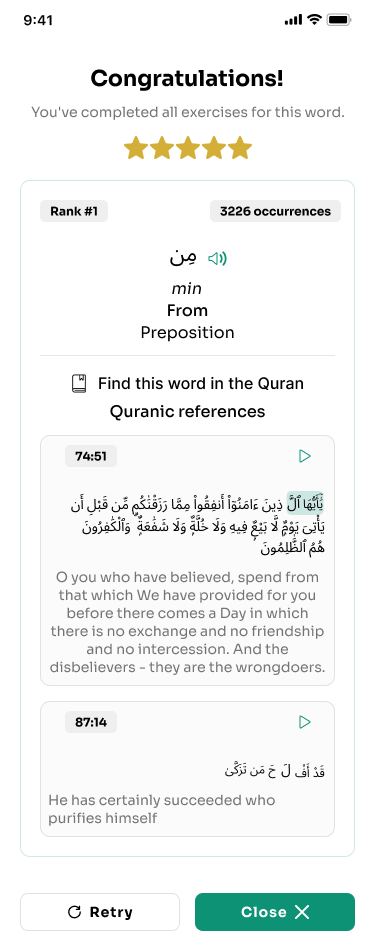
QuranMe teaches Quranic vocabulary word by word. I designed the complete mobile experience — splash and language selection, a four-screen onboarding, a personalised home with progress and streaks, a staged learning path, and word-level practice with audio and star-based mastery.
- Role
- UI/UX Designer
- Timeline
- 2 Weeks
- Platform
- iOS · Android
- Industry
- Education / Religious Learning
- Tools
- Figma, Design Systems, Mobile App Design
- Platform
- iOS / Android
- Vocabulary
- 2000 words
- Languages
- 4
- Learning
- Staged path
The Problem
Learners want to understand the Quran, but existing apps drop them straight into full translations with no sense of progress.
- No gradual, frequency-based path into vocabulary
- Progress reduced to a percentage with no motivation loop
- Pronunciation support missing where it matters most
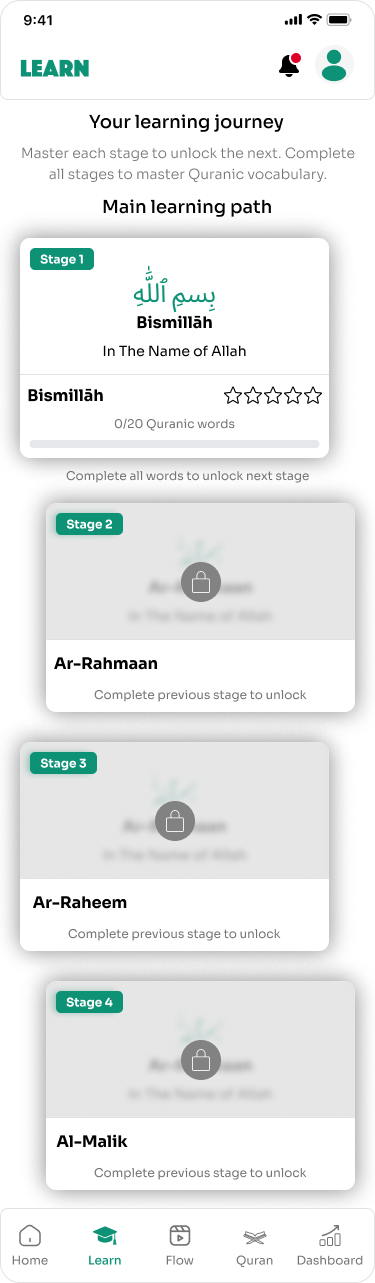
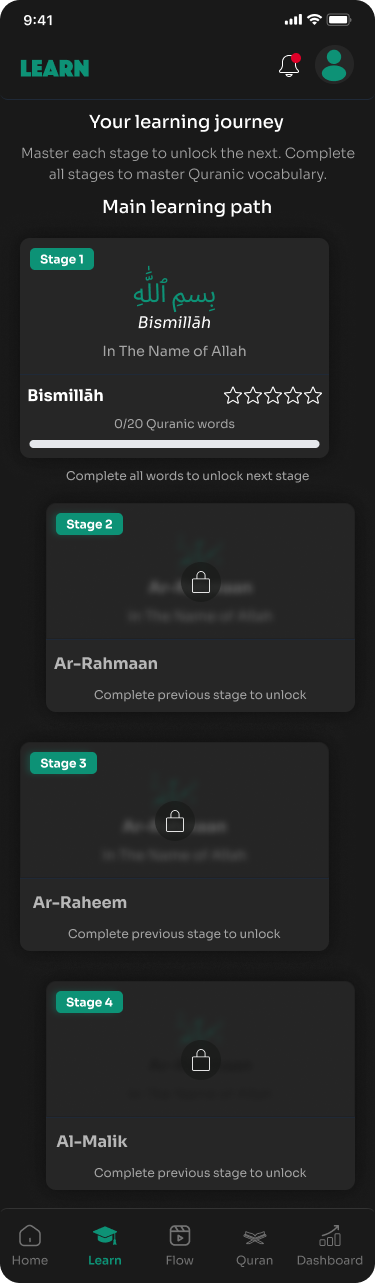
- Locked content hidden instead of shown as a road ahead
Project Goals
Create a calm, focused learning app where every session is a single word, progress is always visible, and stages unlock naturally to keep learners returning daily.
- 01
Make one word the unit of every session
- 02
Keep progress and streaks visible on the home screen
- 03
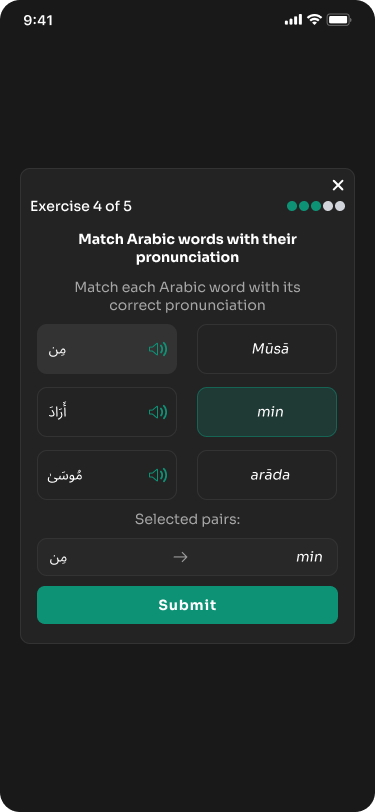
Add tap-to-listen audio to every word and verse
- 04
Unlock stages gradually to build a daily habit
Research & Discovery
- Most Quranic text is covered by a small set of high-frequency words, so frequency-ranked learning gives fast wins.
- Learners are multilingual — English, Francais, Deutsch and Nederlands are needed at first launch.
- Audio pronunciation is essential; every word and verse needs a tap-to-listen control.
- Streaks, ranks and star ratings drive habit far better than percentage-only progress.
- Locked stages must be visible but clearly gated so learners see the road ahead.
User Flow
- Splash
- Select Language
- Onboarding
- Home / Progress
- Learning Path
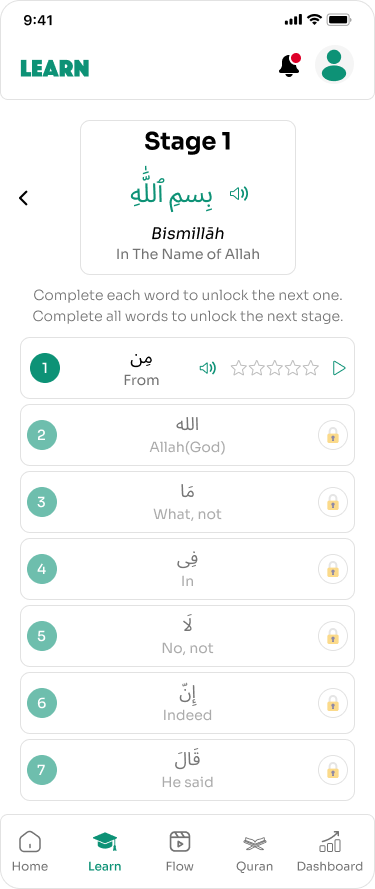
- Stage Words
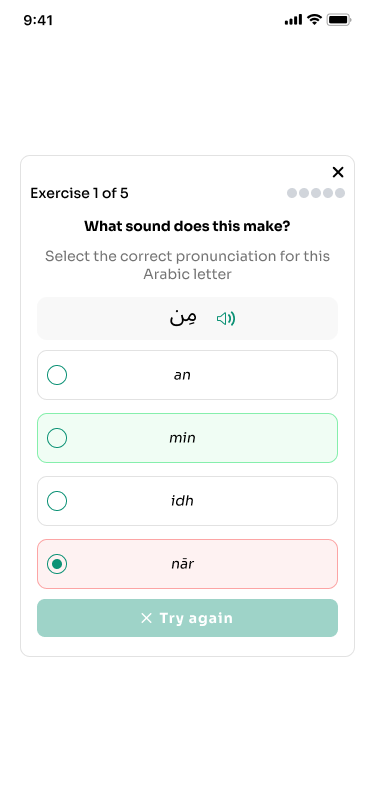
- Word Practice
From Wireframes to Final UI
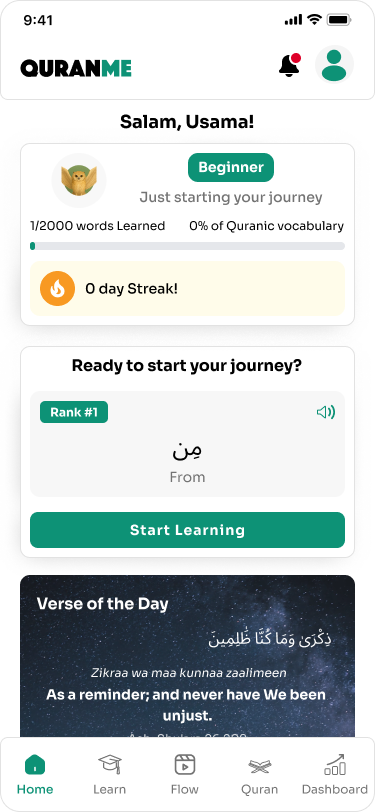
Wireframes set a fixed bottom tab bar (Home, Learn, Flow, Quran, Dashboard) with a card-based body, so progress, the current word and the verse of the day always stack in the same order on the home screen.
Low Fidelity
Structure first
Grey-box layouts to settle hierarchy, navigation and the order of information before any styling.
High Fidelity
Final UI
Typography, colour, components and states applied on top of the approved structure.
UI Design
Mobile Applications
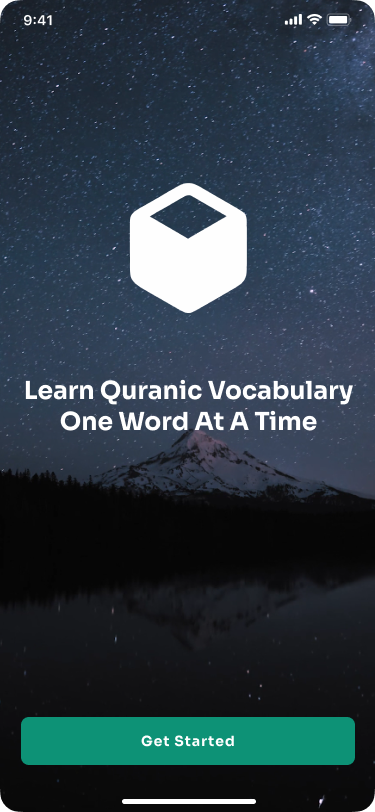
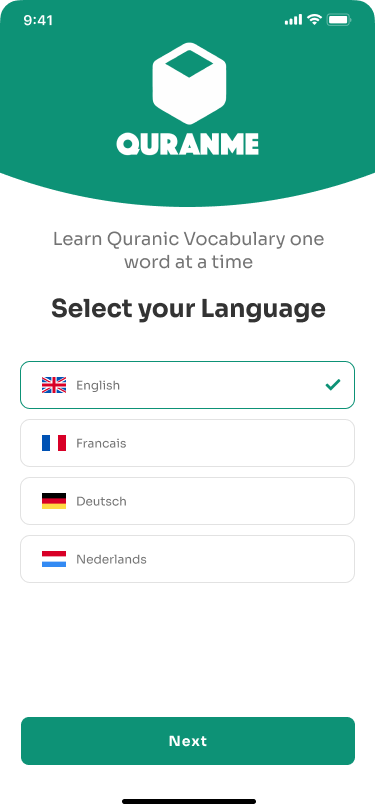
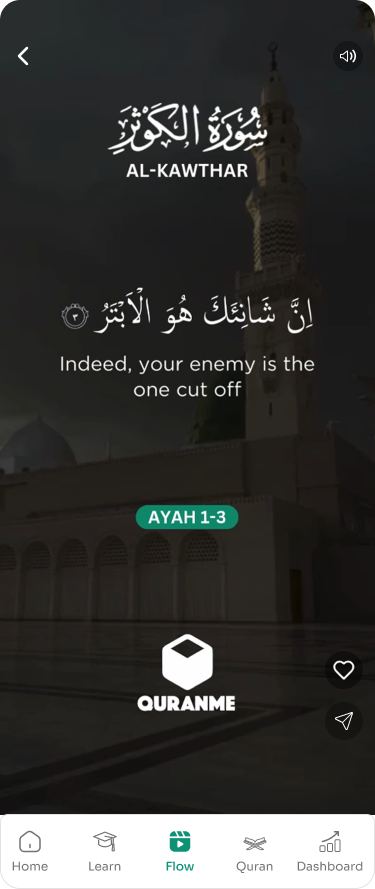
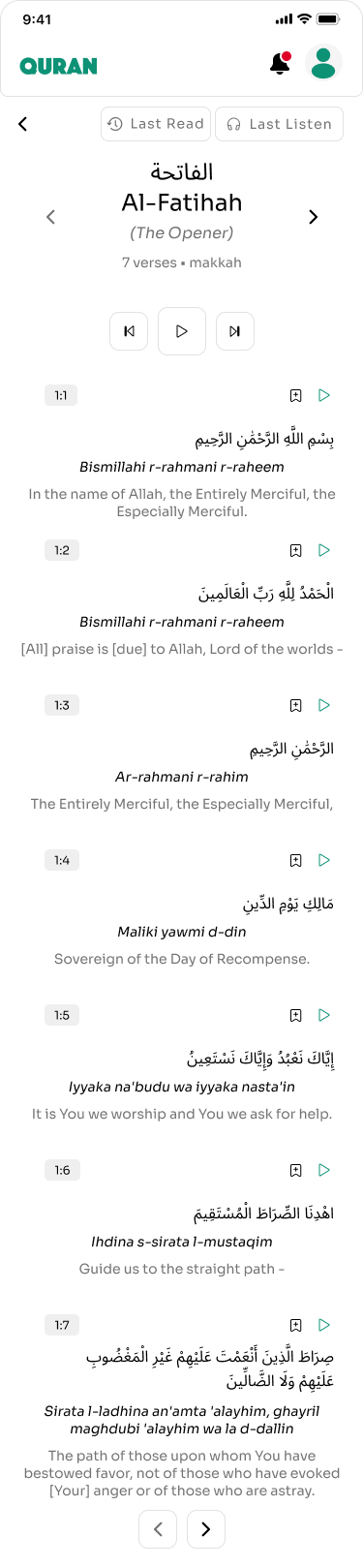
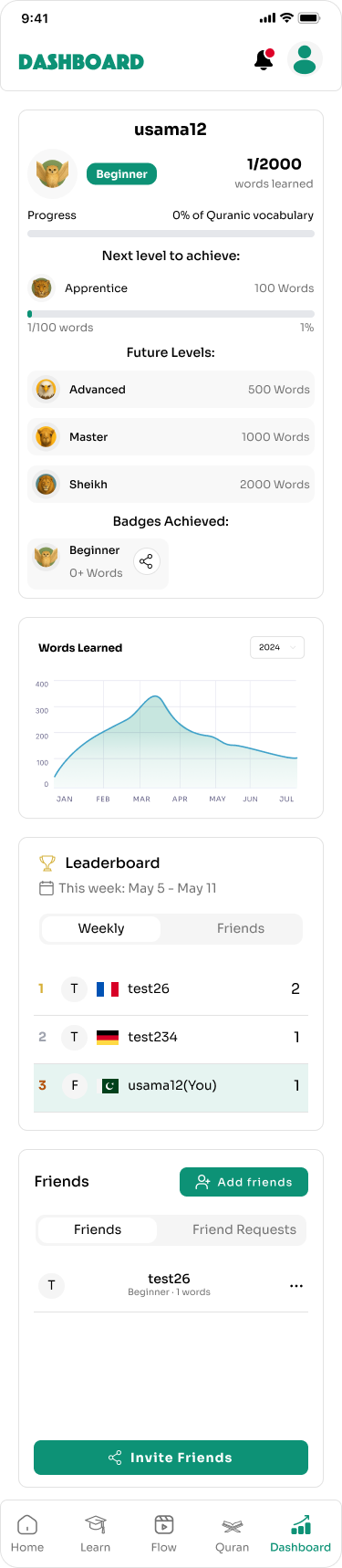
Native Android and iOS screens carrying the same experience to users on the move.
Dark Mode
The same flows rendered in a low-light theme for comfortable night-time reading.

Building a Scalable Design System
A serene emerald system with a dark-mode counterpart built from the same tokens.
Colour
- Deep emerald primary
- Soft light-grey surfaces
- Amber streak and mastery
- Dark-mode surface pair
Typography
- Large Arabic display
- Transliteration pairing
- Compact progress labels
Components
- Word card
- Stage node
- Star mastery meter
- Streak tracker
- Verse of the day
- Exercise option row
Patterns
- Fixed bottom tab bar
- Card stacking order
- Locked / unlocked states
- Light and dark parity
Platform Modules
Onboarding
- Splash and brand intro
- Language selection
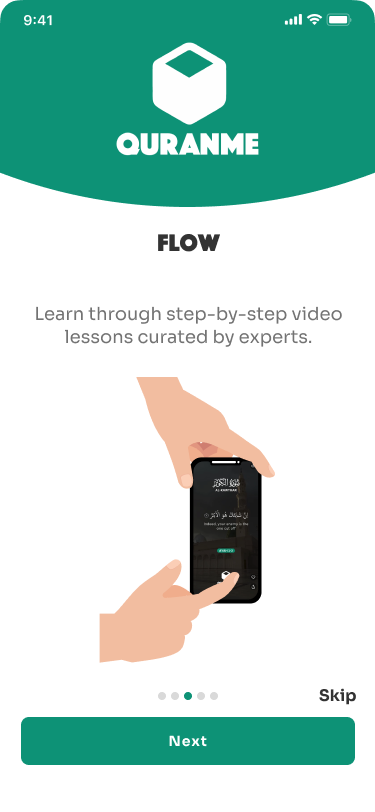
- Four-screen feature tour
- Skip at any step
Home
- Level and journey status
- Words learned and vocabulary %
- Daily streak tracker
- Verse of the day
Learning
- Stage-based learning path
- Locked and unlocked stages
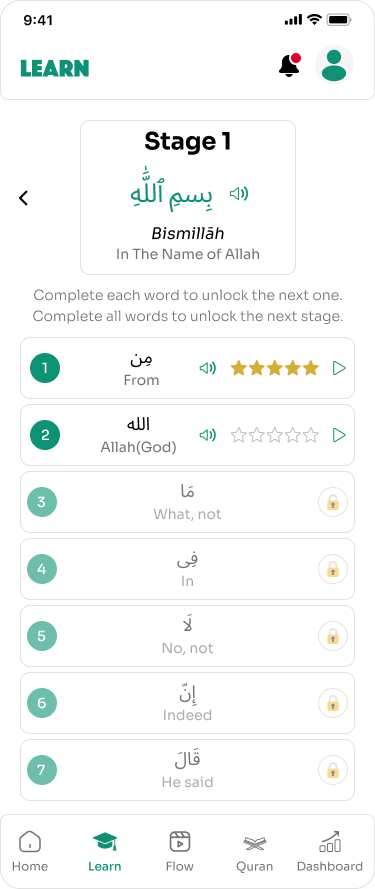
- Word list with rank
- Audio recitation
Progress
- Five-star word mastery
- Stage completion tracking
- Dashboard insights
- Flow video lessons
Key Design Decisions
01One Word Per Session
Sessions stay short and finishable, which is what keeps daily learners returning.
02Visible Locked Stages
Gated stages remain visible so learners can see the journey ahead.
03Stars Over Percentages
Five-star mastery communicates depth of learning better than a completion bar.
Outcome
QuranMe now has a complete, habit-forming learning flow: one word per session, visible mastery, and stages that unlock as learners progress through Quranic vocabulary.
What I Learned
This project taught me how much motivation design belongs to information hierarchy. Putting streaks and mastery where the eye lands first changed the entire feel of the app.
Interactive Prototype
Prototyped the first-run path end to end — splash into language selection, onboarding, then home to the learning path, stage word list and a single word practice session with audio and star rating.
Explore the final experienceView Prototype